
Controller Interface Copy Setup Instructions
CIC-100
Disconnect the cable from the DemaTron™ or DeMax™ Master Electronic Board or turn off power to it.
At the controller end, cut the wire from the defective controller, saving as much wire as possible.
Strip the wire ends about 3/16th” and crimp on ferrules (supplied).
Insert the individual wires by color code (as shown on PCB) into the supplied 10 pin plug, making sure the plug is in the correct orientation.
Install the new controller in place of the defective one using the original screws and the new white spacers.
Insert the wired plug on the board and restore power.
Installation instructions:
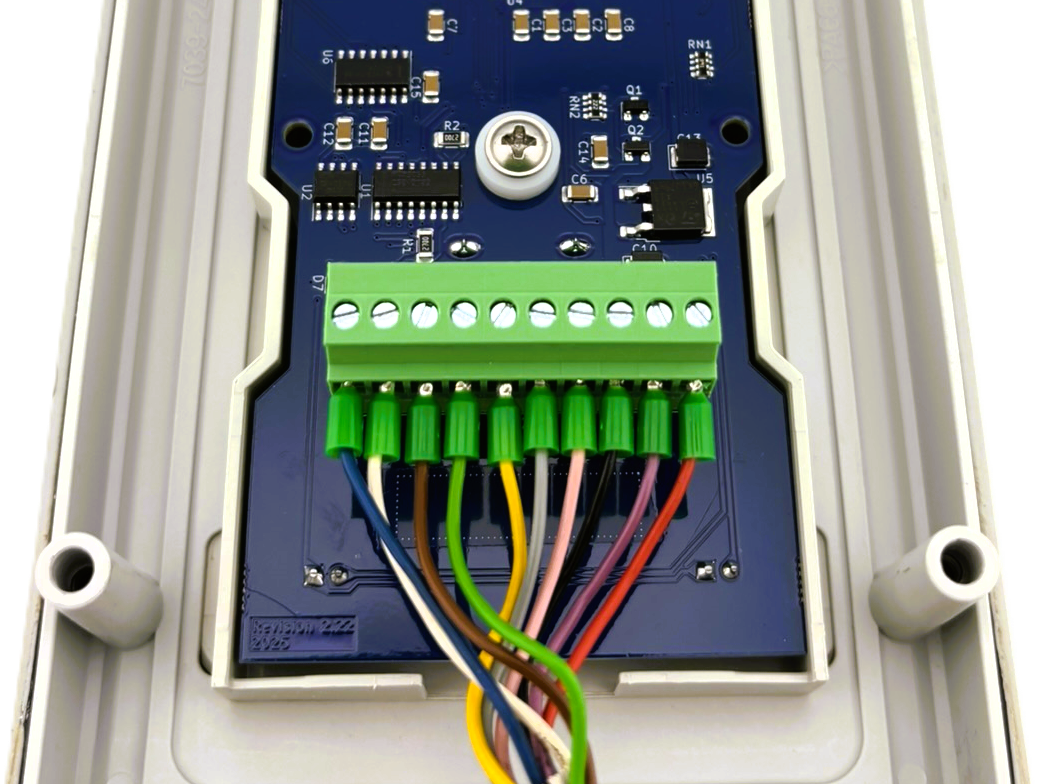
CIC-100 Wiring
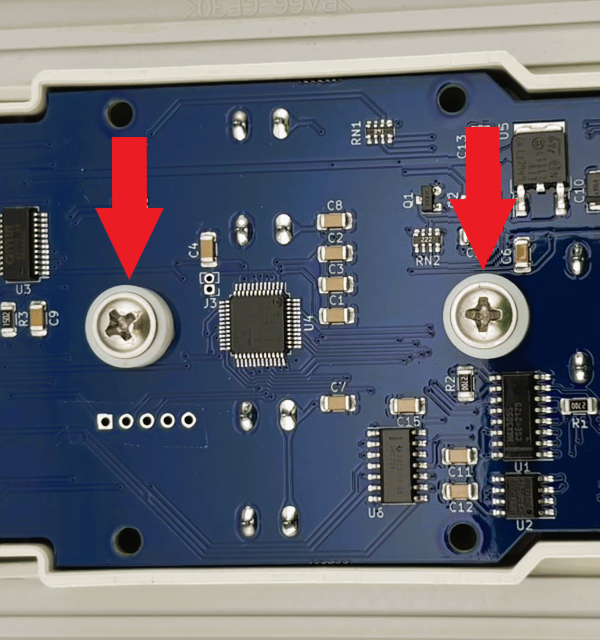
CIC-100 Screws with Spacers
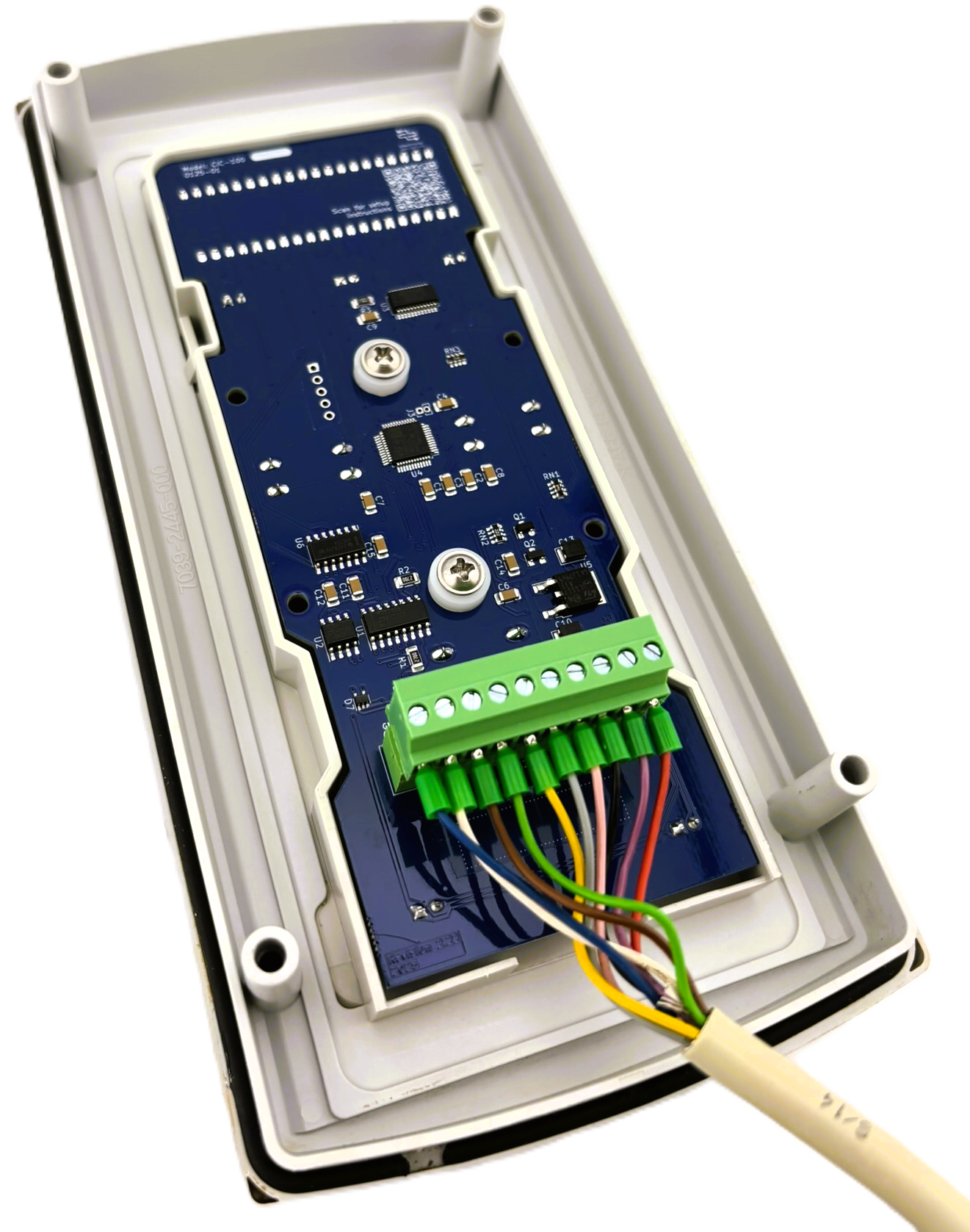
CIC-100 Entire Install