
UPD-100 Updater
Setup Instructions:
The UPD-100 is a special dongle used to update firmware on EDS products in the field. The UPD-100 will have a sticker on the back indicating the available firmware updates available on the dongle
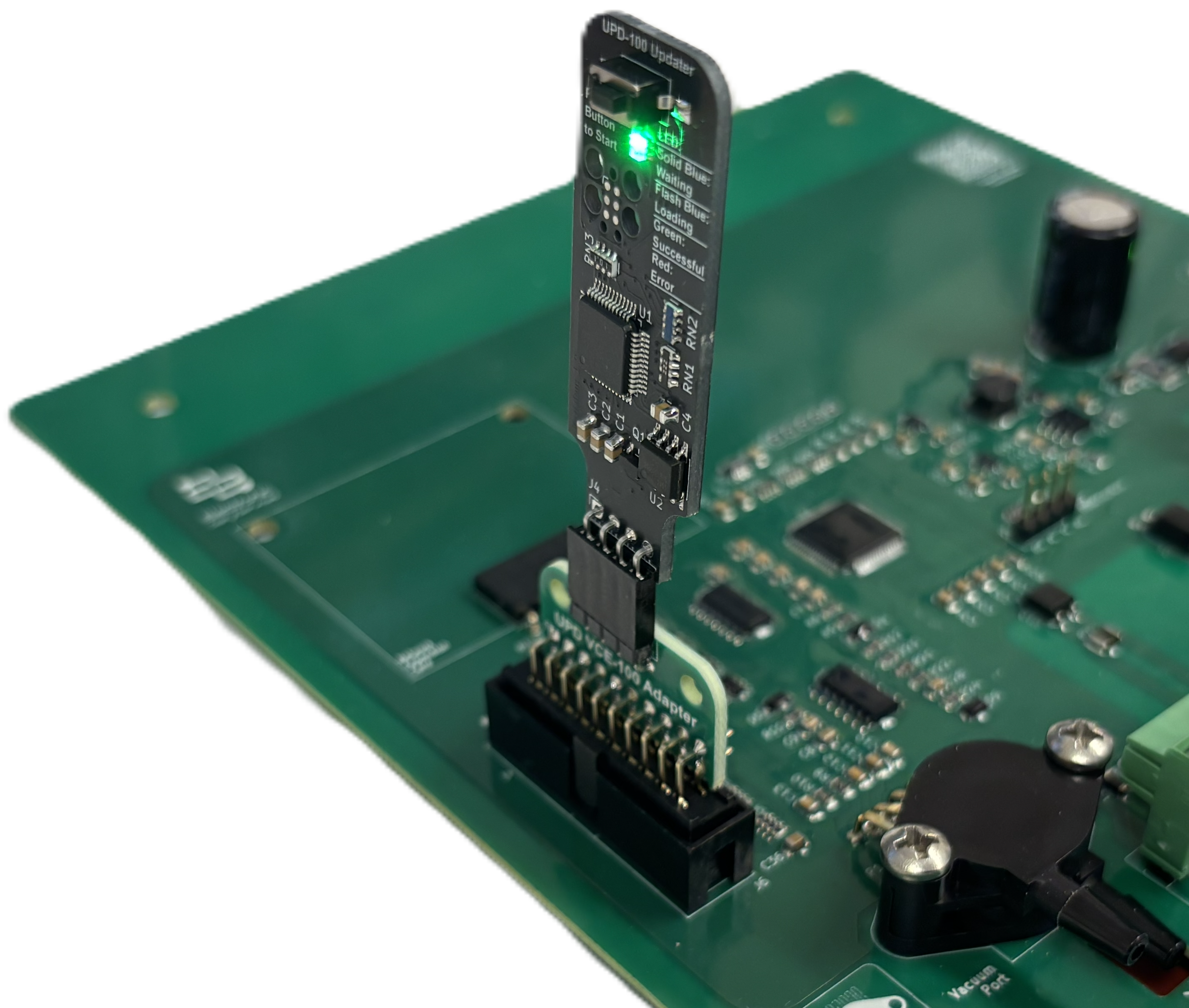
Connect the UPD-100 to the 4-pin terminal on the board you are programing (Note: some boards will require an adapter if the 4-pin header is not available such as that shown in the image with the VCE-100)
1. Attach UPD-100:
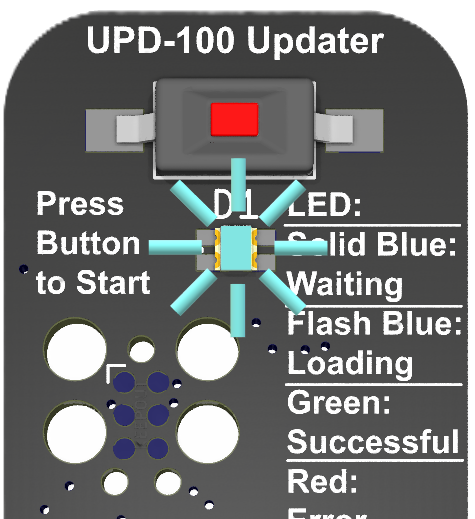
Enable power to the device board you are programing (The LED on the UPD-100 will show blue). Now press the button and the LED will flash blue to indicate it is programming. Do not disable power during update
2. Enable Power:
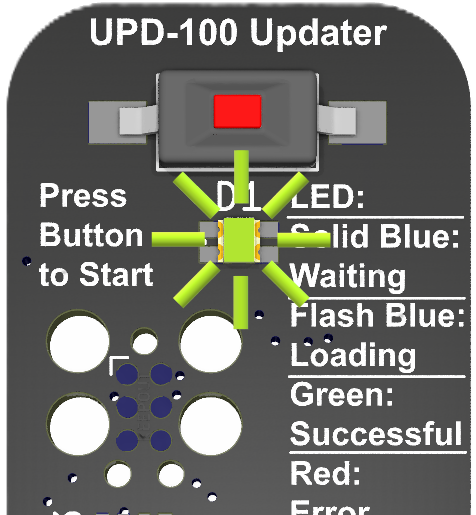
Once the programming is complete the LED will illuminate green indicating that the program has loaded successfully
3. Wait for LED to turn green:
Disable power to the programmed board and remove the UPD-100. Re-enable power to complete the update
4. Power-Cycle:
If the LED flashes red it can indicate:
No firmware available for board being programmed
The board being programmed is stuck in boot mode due to power-cycle during update
See the manual for more information in these cases